



Quick List
14. 12. 2010














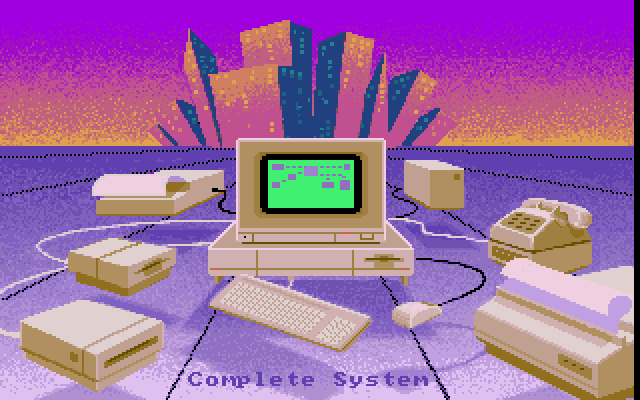
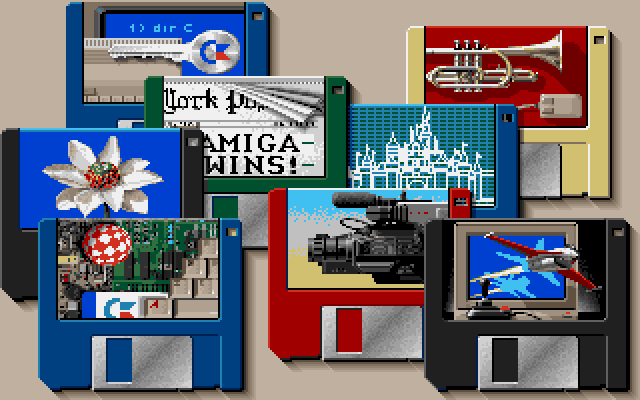
Used in the "Amiga Dealer" demo. It was produced by Commodore to promote Amigas that were on display in shops. This image was shown in the "Amiga Features" part.
Printed in Amiga Format September 1989 - Page 65
Printed in Amiga Format September 1989 - Page 65




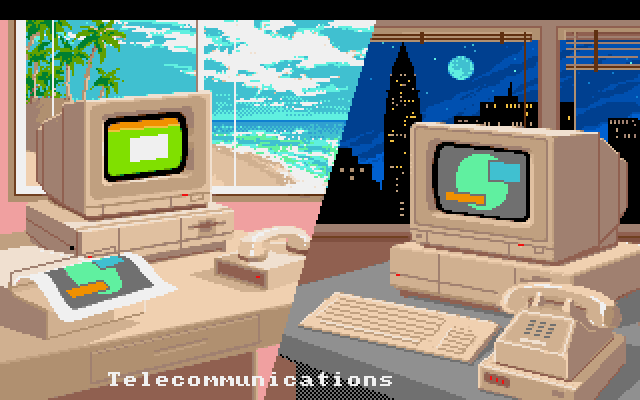
Used in the "Amiga Dealer" demo. It was produced by Commodore to promote Amigas that were on display in shops.
This image was shown in the "Art & Graphics" part.
This image was shown in the "Art & Graphics" part.


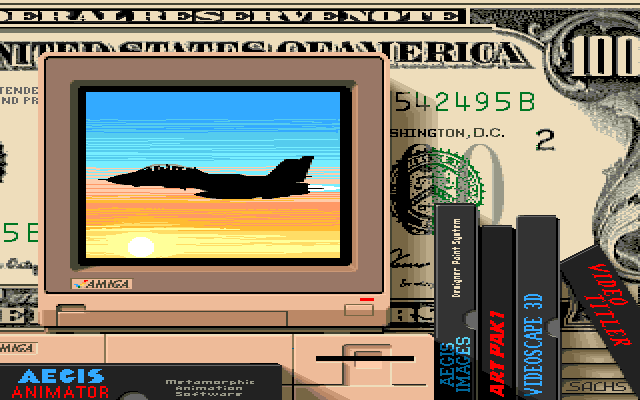
Used in the "Amiga Dealer" demo. It was produced by Commodore to promote Amigas that were on display in shops.
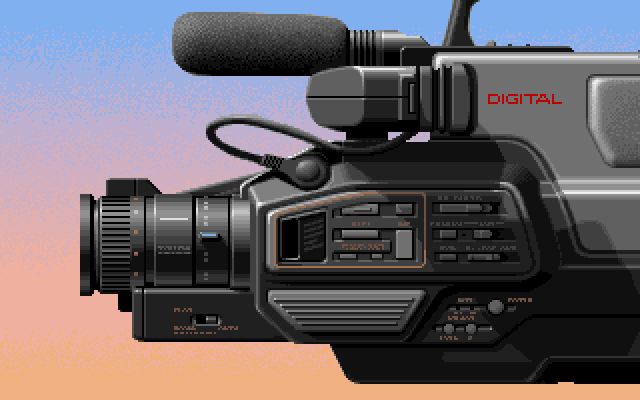
This image was shown in the "Video" part.
This image was shown in the "Video" part.



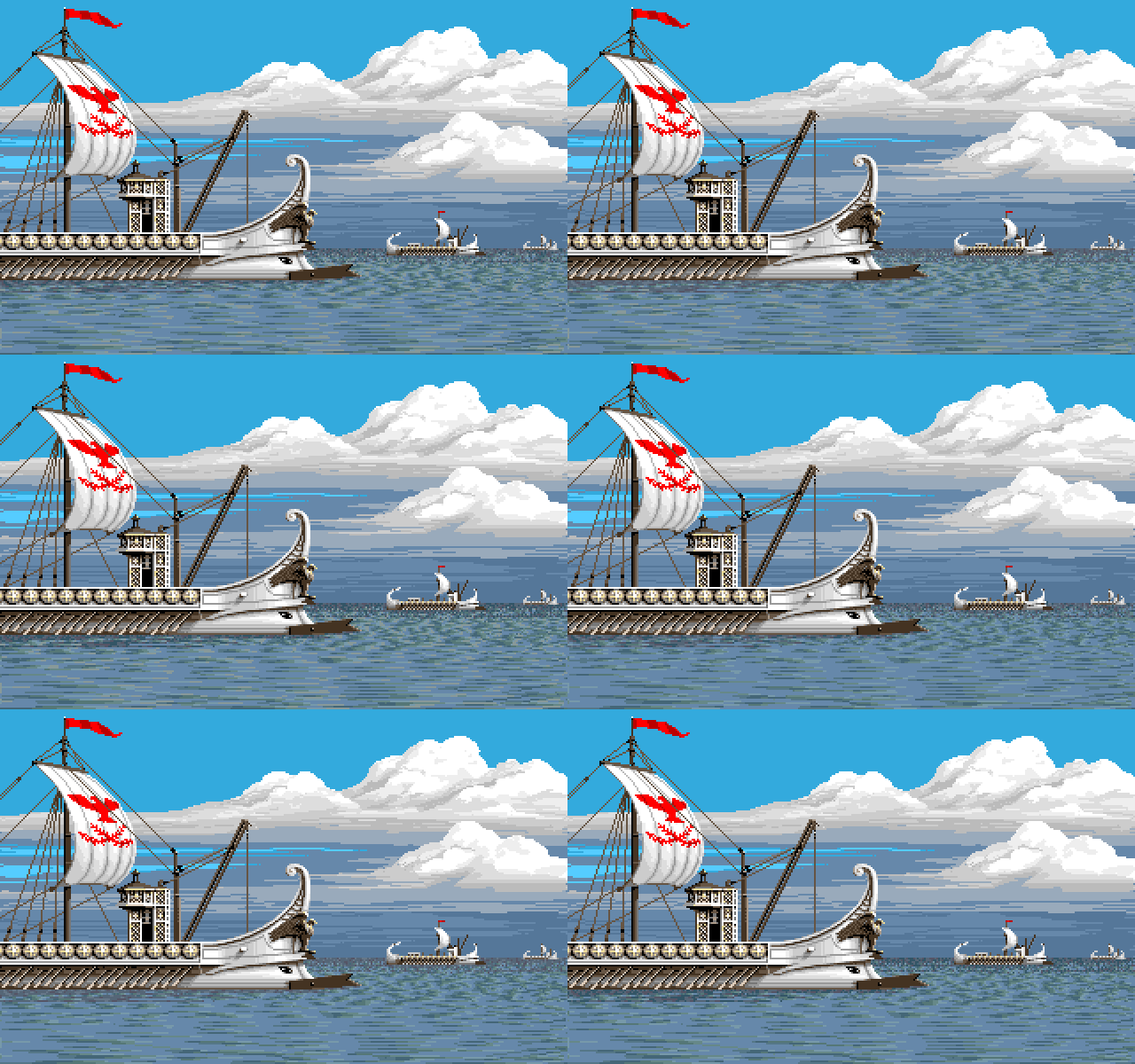
- Variation
Use in Amiga demo
Used in the "Amiga Dealer" demo. It was produced by Commodore to promote Amigas that were on display in shops.[br]This image was shown in the "Music" part.


Used in the "Amiga Dealer" demo. It was produced by Commodore to promote Amigas that were on display in shops.
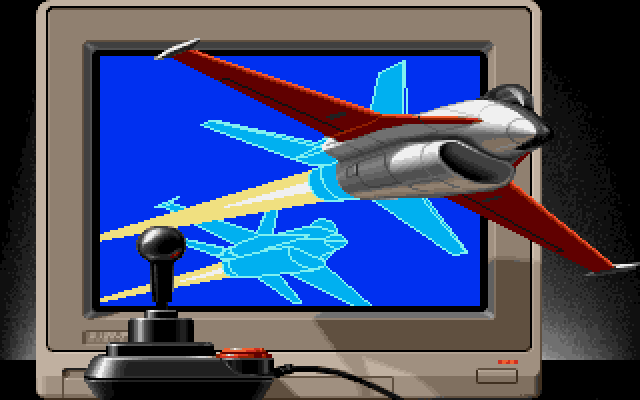
This image was shown in the "Entertainment" part.
This image was shown in the "Entertainment" part.


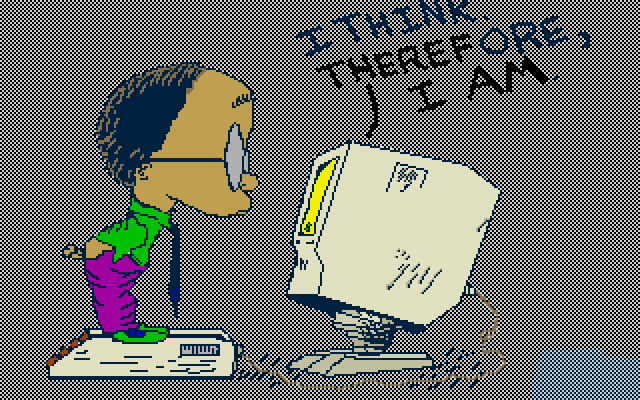
Used in the "Amiga Dealer" demo. It was produced by Commodore to promote Amigas that were on display in shops.
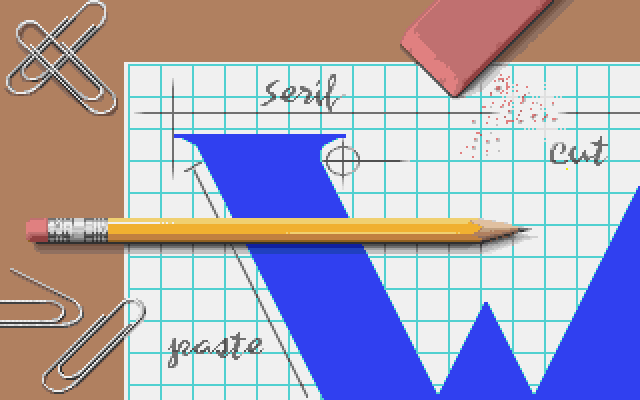
This image was shown in the "Productivity" part.
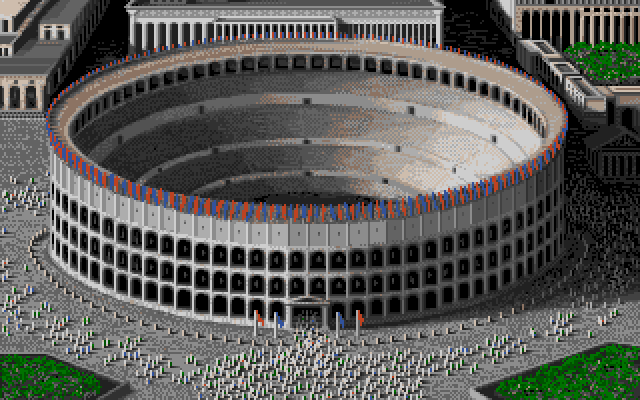
There's a little backstory from the artist Reichart von Wolfsheild over at Randelshofer
This image was shown in the "Productivity" part.
There's a little backstory from the artist Reichart von Wolfsheild over at Randelshofer




Used in the "Amiga Dealer" demo. It was produced by Commodore to promote Amigas that were on display in shops.
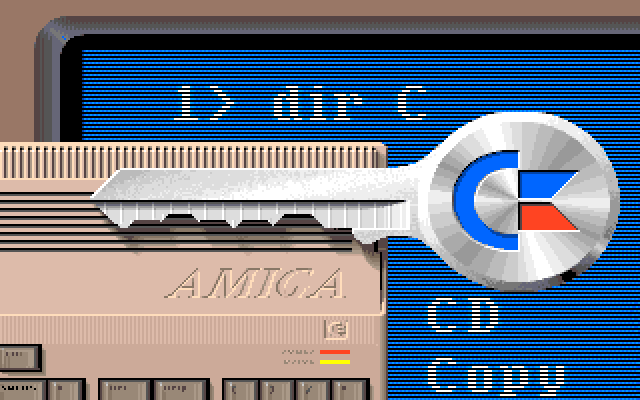
This image was shown in the "Education" part.
Interestingly there was also a version of this image that was used for the "Amiga Companion" book by Rob Peck. The biggest difference between the two was the peacock on the key, that was replaced by the Amiga rainbow check logo.
The Amiga Companion version is lowres-interlaced, which leads me to think that it was created first and the Amiga Demo version was downscaled to fit with the other images.
This image was shown in the "Education" part.
Interestingly there was also a version of this image that was used for the "Amiga Companion" book by Rob Peck. The biggest difference between the two was the peacock on the key, that was replaced by the Amiga rainbow check logo.
The Amiga Companion version is lowres-interlaced, which leads me to think that it was created first and the Amiga Demo version was downscaled to fit with the other images.


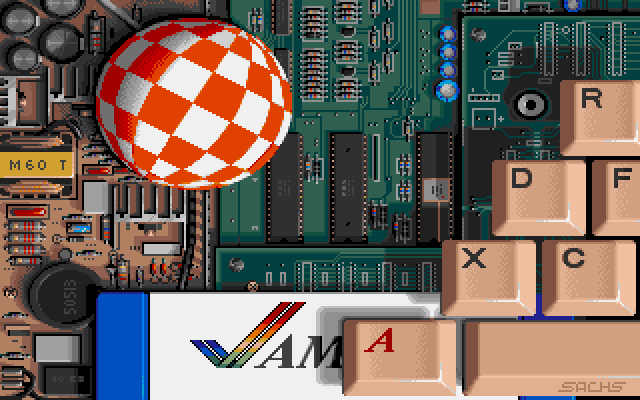
Used in the "Amiga Dealer" demo. It was produced by Commodore to promote Amigas that were on display in shops.
This image was shown in the "Products" part.
This image was shown in the "Products" part.



- Amiga
